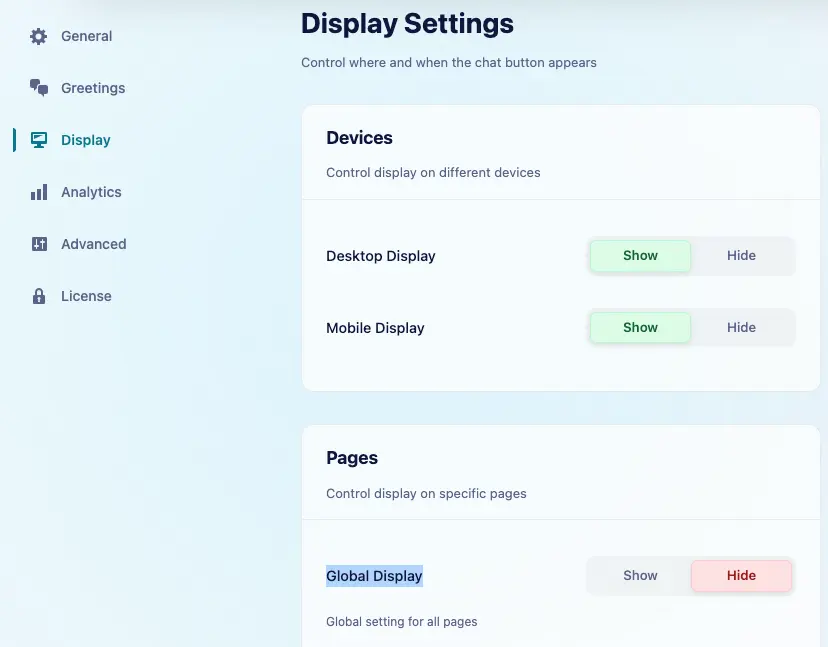
By default, the Chat option is enabled, and we can configure under Click to Chat → Display → Pages.
Hiding the Chat Feature
If we wish, we can hide the chat option globally:
- Navigate to Click to Chat → Display → Pages → Global Display.
- Select “Hide on All Pages” to disable the chat option Entire Site
Use Case Scenario
- Limited Support Hours – When our support team is offline, we can hide the chat to prevent users from sending messages that won’t be answered.